New · Time clock for Odoo
Attendance lands in Odoo the moment you clock in.
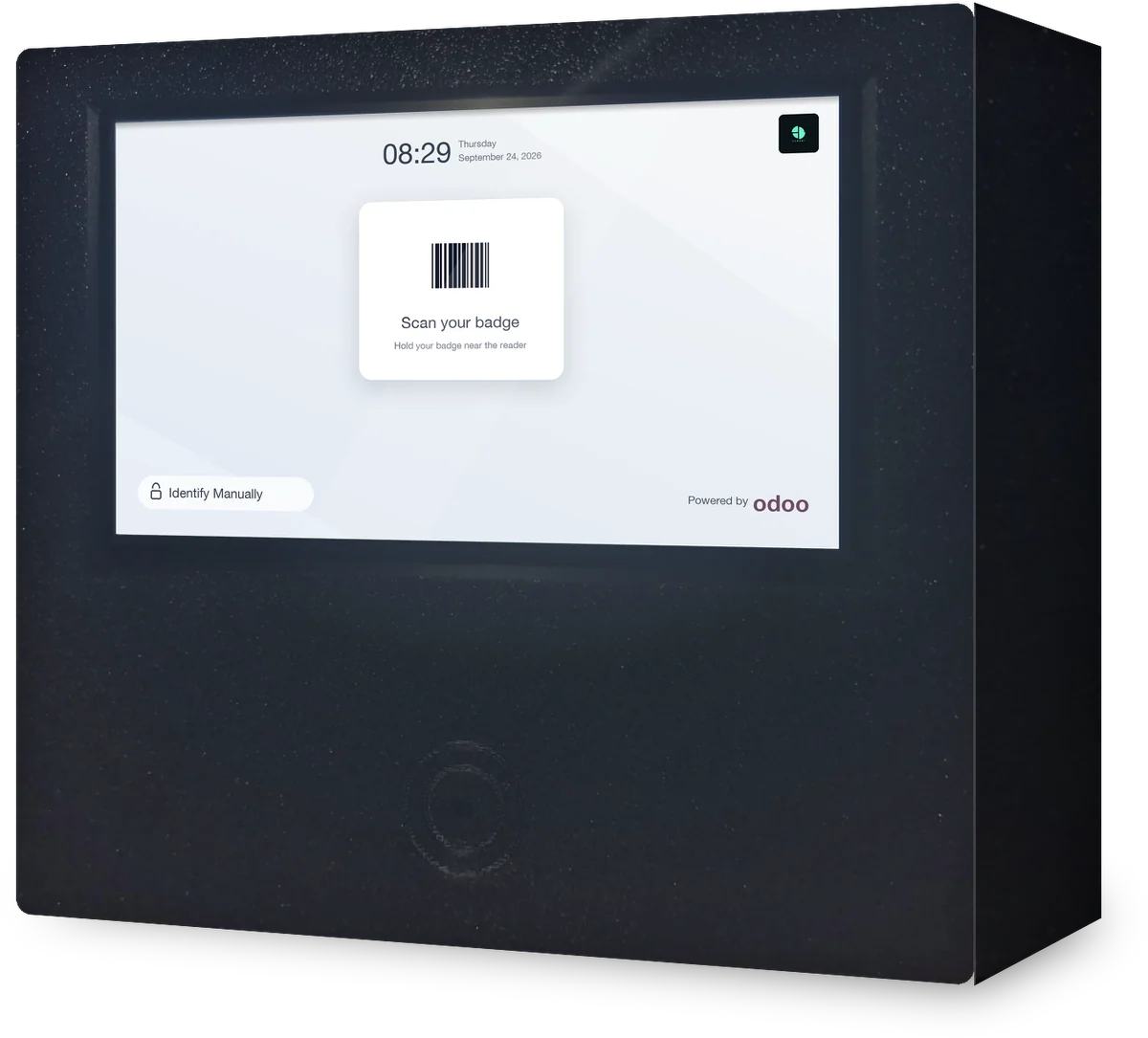
A time clock built for Odoo Attendances: employees tap their badge and the check-in or check-out is already recorded. No exports, no timesheets to copy over.
No commitment: we'll get in touch when it's available.
The difference
Not a tablet with a USB reader plugged in
Today, Odoo's suggested setup for the attendance kiosk is a tablet with an external USB RFID reader. It works, but it's two devices to keep together. We built a single one.
Standard setup
Tablet + USB RFID reader
- Two devices to connect, with a cable and an adapter
- A general-purpose tablet, where the kiosk is just a page open in the browser
- The external reader has to be placed and mounted separately
Denani time clock
One device, built for clocking in
- RFID reader built into the front panel: no accessories to plug in
- Boots straight into the Attendances kiosk and reopens it on its own if it gets closed
- 5" or 7" touchscreen
- Every Odoo kiosk method is still there: manual identification with PIN and QR code
Why
Made for teams already on Odoo
It connects directly to your instance and uses the Odoo Attendances kiosk mode. Your data stays where you already manage it.
Straight into Odoo
Every badge tap is a check-in or check-out in Attendances, in real time. No middleware to install.
Badge, QR code or PIN
An RFID badge is the fastest way, but nothing is taken away: the touchscreen still offers manual identification with PIN and, on the RFID + camera version, QR code scanning.
Up and running in minutes
Switch it on, set the WiFi network and your Odoo address from a setup page, and you're ready.
How it works
Three steps, then forget about it
1
Connect
Power and WiFi. Enter your Odoo instance address on the setup page.
2
Assign badges
Give each employee their badge straight from the employee form in Odoo.
3
Clock in
The employee taps the badge: the screen confirms and the attendance is already recorded.
Versions
Pick your screen and reader
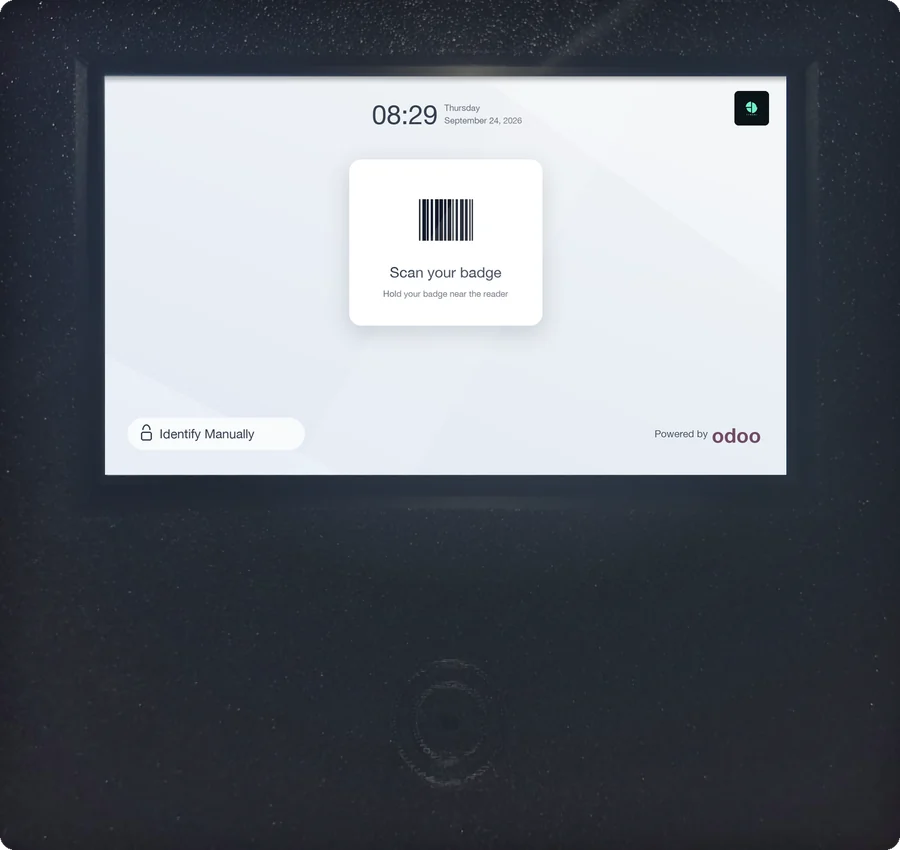
Two touchscreen sizes, two reader types: combine them as you like.
Touchscreen
- 5" · Minimal footprint, ideal for entrances and hallways.
- 7" · Larger screen, easy to read from a distance.
Reader
- RFID only · Contactless reading of employee badges.
- RFID + camera · RFID badges plus QR code scanning with the built-in camera.
Register your interest
Want the time clock for your company?
Tell us which version you're interested in and leave your details. We'll get back to you with availability and terms, no strings attached.
Odoo is a registered trademark of Odoo S.A.